
Google Ads Management
Unlock the full potential of your online advertising with our expert Google Ads management services. Designed specifically for businesses across the UK, our tailored strategies focus on maximizing your return on investment while enhancing your digital presence.
Our experienced team continuously monitors and optimises your campaigns to ensure efficiency and effectiveness, delivering measurable results that align with your business goals. Partner with us to transform your Google Ads into a powerful growth tool.
Getting Started with Google Ads Management
Embarking on your journey with Google Ads management begins with a clear understanding of your business goals and target audience. It is essential to identify the products or services you wish to promote and the key metrics you want to track, such as conversions or website traffic. This initial clarity lays the foundation for a tailored advertising strategy.
Next, setting up your Google Ads account requires careful structuring of campaigns and ad groups to align with your objectives. Take time to research relevant keywords that resonate with your potential customers, ensuring your ads appear in the right searches. Finally, continual monitoring and optimisation are crucial steps; reviewing performance data regularly allows you to refine your approach, maximise your budget, and ultimately achieve better return on investment. Starting with these practical steps will position your Google Ads campaigns for success from the outset.
4 Things You Should Know About Google Ads Manager

Campaign Structure
A well-organised campaign structure in Google Ads Manager ensures efficient management and precise targeting of your advertising efforts.

Campaign Structure
A well-organised campaign structure in Google Ads Manager ensures efficient management and precise targeting of your advertising efforts.

Performance Tracking
Detailed performance metrics and reports enable continuous monitoring and adjustments to improve the effectiveness of your advertising campaigns.

Audience Targeting
Advanced targeting options let you reach specific demographics, locations, and interests to connect with your ideal customers more effectively.
Top 5 Mistakes to Avoid in Google Ads Manager
Understanding common pitfalls in Google Ads Management can greatly enhance campaign performance and maximise your advertising budget’s effectiveness.
Neglecting keyword research
Failing to perform thorough keyword research often leads to poor targeting and wasted ad spend on irrelevant queries.
Ignoring negative keywords
Not using negative keywords allows your ads to appear for unrelated searches, reducing click-through rates and increasing costs.
Setting unrealistic budgets
Allocating too small or inconsistent budgets can limit ad exposure and fail to generate meaningful campaign insights.
Overlooking ad copy optimisation
Poorly written ad copy decreases user engagement and lowers Quality Score, negatively impacting campaign results and costs.
Skipping performance analysis
Not regularly reviewing campaign data prevents timely improvements and misses opportunities to enhance return on investment.
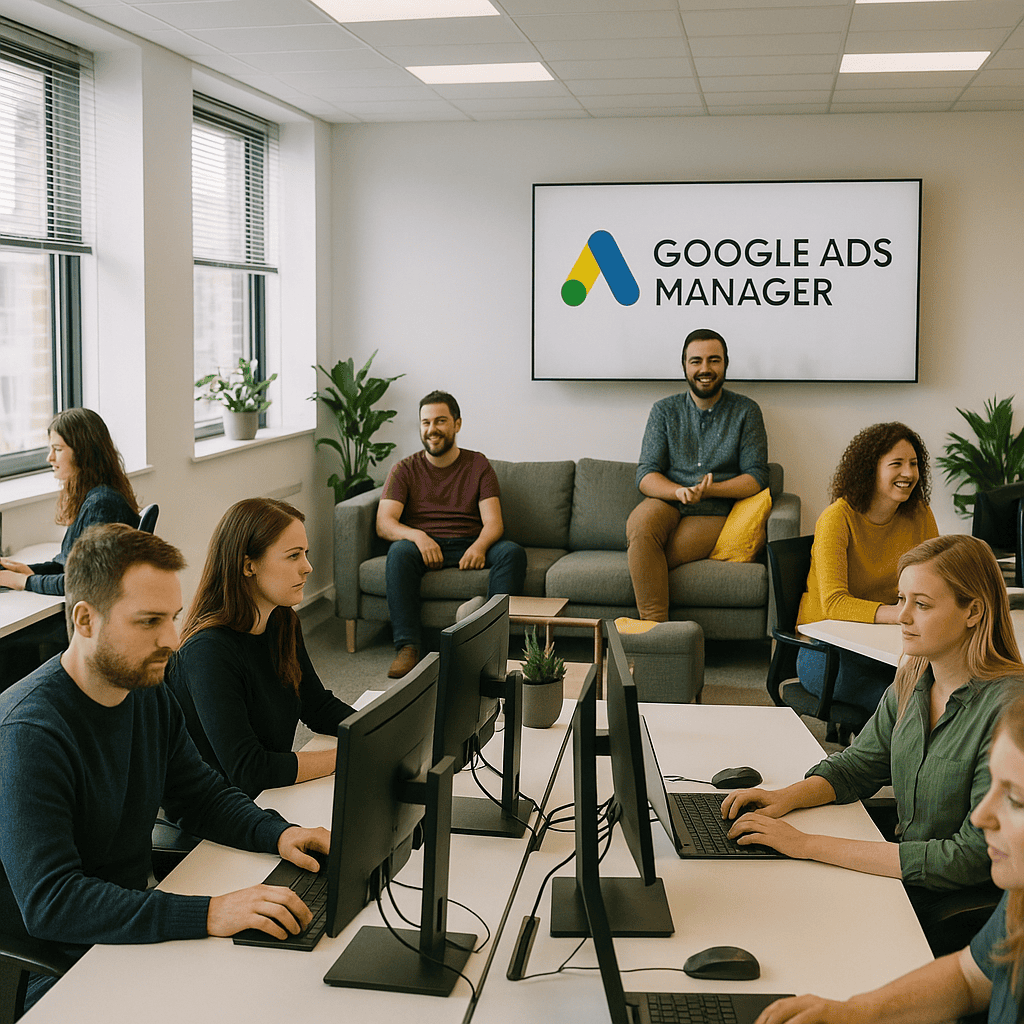
Integrating Google Ads Management into Your Broader PPC Strategy
Effective Google Ads management forms a crucial part of a comprehensive pay-per-click (PPC) strategy. By carefully optimising campaigns on Google’s platform, businesses can target high-intent audiences and maximise ad spend efficiency. When combined with other PPC channels, such as Bing Ads or social media advertising, it creates a balanced approach that broadens reach and drives diverse traffic sources. This integration ensures consistent messaging and cohesive performance analysis, helping to refine marketing efforts and achieve long-term success in competitive digital landscapes.
Top 5 Questions People Ask About Google Ads Manager
What is Google Ads Manager?
Google Ads Manager is a comprehensive platform designed for advertisers to efficiently create, manage, and optimize multiple Google Ads campaigns. It offers advanced tools for performance tracking, budget control, and audience targeting, streamlining digital advertising efforts across various channels.
How do I set up a Google Ads account?
To set up a Google Ads account, visit ads.google.com and click Start Now. Sign in with your Google account, enter your business details, set your advertising goals, define your target audience and budget, then create your first ad campaign to begin reaching potential customers effectively.
What are the benefits of Google Ads management services?
Google Ads management services optimize campaign performance through expert keyword targeting, budget allocation, and continuous monitoring. They enhance ROI by driving qualified traffic, improving ad relevance, and reducing wasted spend, ultimately ensuring efficient use of advertising budgets and achieving measurable business growth.
How much does Google Ads management cost?
Google Ads management costs typically range from $300 to $1,000+ per month, depending on campaign complexity and agency expertise. Some agencies charge a percentage of ad spend (10-20%). Custom pricing varies based on objectives, industry, and service scope to optimize ROI effectively.
How can I track the effectiveness of my Google Ads?
Track Google Ads effectiveness by monitoring key metrics such as click-through rates (CTR), conversion rates, cost-per-acquisition (CPA), and return on ad spend (ROAS). Utilize Google Analytics and Google Ads' built-in reporting tools to analyze campaign performance, optimize targeting, and improve overall ROI.