
GBP Setup Guide
Welcome to our comprehensive GBP Setup Guide, designed to help you establish a strong and accurate Google Business Profile. Whether you are new to GBP or looking to optimise your existing listing, this guide provides clear, step-by-step instructions to enhance your local presence and connect effectively with your community.
A well-configured Google Business Profile is essential for improving your visibility in local search results and attracting more potential customers. By following this guide, you’ll gain valuable insights into best practices that ensure your business information is complete, consistent, and engaging.
GBP Setup Guide: Essential Insights
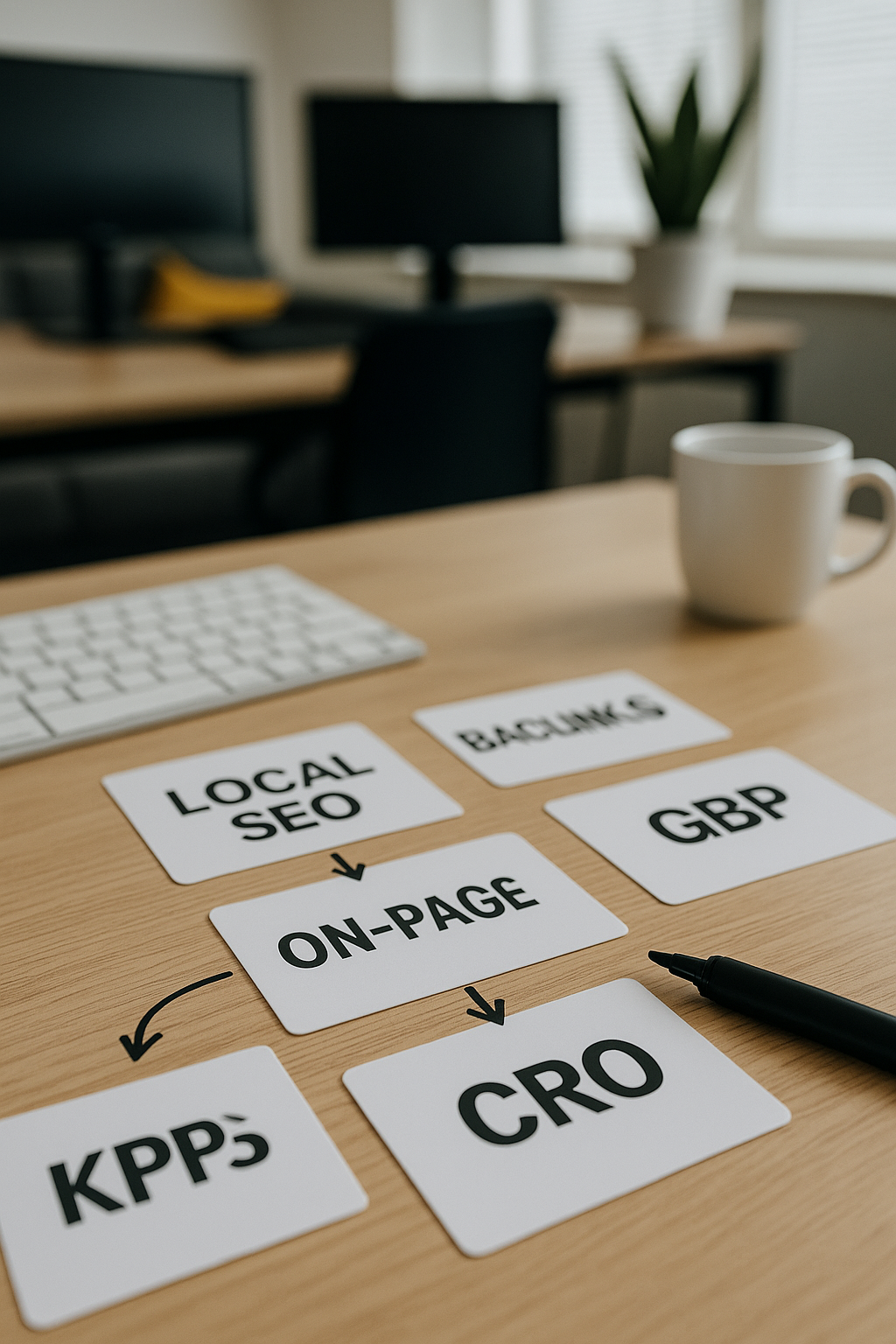
Accurate Business Information
Providing precise and consistent business details ensures customers find and trust your Google Business Profile easily.

Verification Process
Completing the verification confirms your business's legitimacy, unlocking full profile management and improved local search presence.

Optimised Business Categories
Selecting relevant categories helps Google correctly classify your business, enhancing your profile's visibility to the right audience.
High-Quality Visual Content
Uploading clear images and videos attracts potential customers and showcases your offerings in a professional manner.
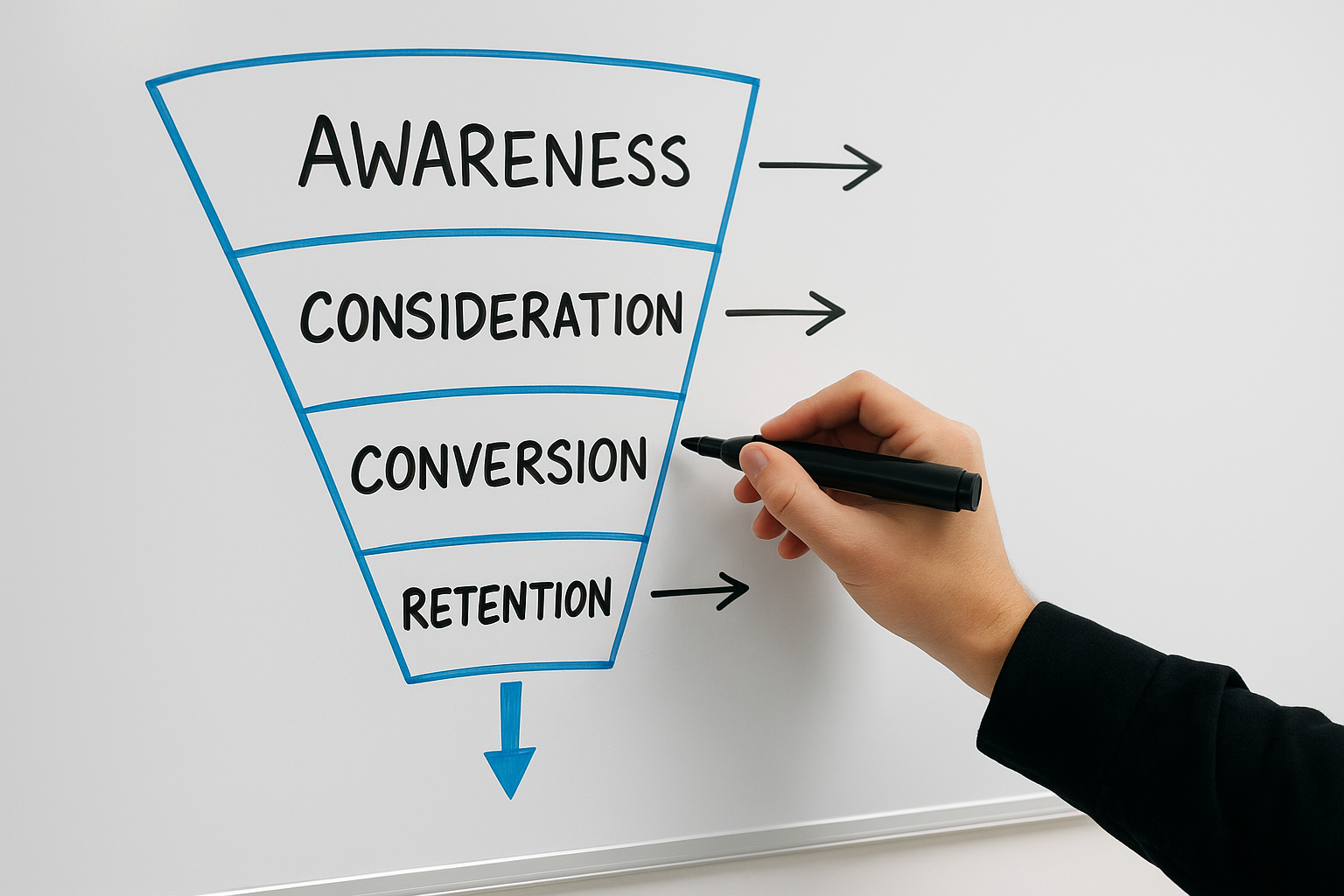
Regular Profile Updates
Keeping your profile information current maintains customer engagement and reflects accurately on your business's operations.
Customer Reviews Management
Encouraging and responding to reviews builds credibility and fosters trust between your business and potential clients.
Initial Steps to Setting Up Your Google Business Profile
Starting your Google Business Profile (GBP) journey is straightforward and highly rewarding for enhancing local visibility. Begin by navigating to the Google Business Profile website and signing in with a Google account connected to your business. If you don’t have one already, it’s advisable to create a dedicated account that represents your company professionally.
Next, enter your business name and select the appropriate category that best describes your services. Accurate categorisation helps Google show your profile to relevant local searches. Following this, provide essential details such as your business address, contact information, and operating hours. These foundational steps ensure your profile appears correctly across Google Search and Maps, making it easier for potential customers to find and engage with your business.
Remember, consistency and accuracy are crucial at this stage. Ensure the information you enter matches what appears on your website and other listings to build trust and improve your local search ranking.
GBP Impact
Businesses with complete Google Business Profiles are twice as likely to gain customer trust and attract local visits.
The Biggest Mistake to Avoid When Setting Up Your Google Business Profile
One of the most common errors in setting up a Google Business Profile is providing inaccurate or inconsistent information. This not only confuses potential customers but also harms your local search ranking. Ensuring that your business name, address, phone number, and other details are correct and match exactly across all platforms is essential for building trust and credibility.
Another frequent oversight is neglecting to verify your profile promptly. Without verification, your business information will not appear in Google searches or Maps, severely limiting your online visibility. Prioritising verification ensures your profile is active and ready to attract local customers effectively.
Top 5 Questions People Ask About GBP Setup
What is Google My Business?
Google My Business is a free tool that enables businesses to manage their online presence across Google Search and Maps. It helps enhance local visibility, engage customers through reviews and posts, and provides valuable insights to optimize marketing strategies effectively.
How do I create a Google My Business account?
To create a Google My Business account, visit the Google My Business website, sign in with your Google account, and click Manage now. Enter your business name, address, and contact details, verify your business via mail or phone, and optimize your profile to enhance local search visibility.
Why is setting up Google My Business important for my business?
Setting up Google My Business enhances your online visibility, improves local SEO, and allows potential customers to easily find essential information like your location, hours, and reviews. It builds trust, drives foot traffic, and ultimately boosts sales by connecting your business with a targeted local audience.
What should I include in my Google Business profile?
Include your business name, accurate address, phone number, website, hours of operation, high-quality images, and a detailed description highlighting services or products. Regularly update posts, collect and respond to reviews, and ensure categories and attributes reflect your offerings to enhance local SEO and customer engagement.
How can I optimise my Google My Business profile?
To optimize your Google My Business profile, ensure complete and accurate information, including business name, address, and hours. Regularly update photos, encourage customer reviews, respond promptly, utilize relevant categories, and post timely offers or news to enhance local SEO and engagement.