
Effortless Access
Accessing your Google Business Profile (GBP) account is a crucial step in managing your online presence accurately and efficiently. This guide offers clear, straightforward instructions to help you sign in with ease, ensuring you can update your business information, respond to customer reviews, and enhance your visibility across Google services.
Whether you’re new to GBP or looking to streamline your account management, our step-by-step approach simplifies the verification and sign-in process. By following these guidelines, you’ll gain secure access and maintain control over how your business appears to potential customers.
GBP Account Sign In: Essential Insights

Secure Credentials
Always use strong, unique passwords to protect your Google Business Profile account from unauthorised access and potential cyber threats.

Two-Factor Authentication
Enable two-factor authentication to add an extra layer of security when signing in and safeguarding your business information online.
Proper Account Roles
Assign appropriate user roles within your GBP account to control access and maintain effective management of business details.
Recovery Options
Ensure recovery options such as a phone number or alternative email are up to date to facilitate seamless account recovery if needed.
Regular Sign-In Checks
Regularly review sign-in activity to detect any unauthorised attempts and keep your Google Business Profile account secure and trusted.

Browser Compatibility
Use supported, updated browsers for the sign-in process to ensure full functionality and reduce risk of technical issues during access.
Getting Started with Your Google Business Profile Sign In
To begin managing your Google Business Profile effectively, the first step is to sign in using your existing Google account. Visit the designated sign-in page and enter your credentials carefully to ensure secure access. If you do not already have a Google account linked to your business, you will need to create one before proceeding.
Once signed in, you will have immediate access to your business profile dashboard, where you can update essential information, respond to customer reviews, and monitor your online presence. If you encounter any difficulties during sign-in, use Google’s account recovery options to reset your password or retrieve your username. Taking these initial steps will set a solid foundation for managing your business profile efficiently and enhancing your visibility online.
Sign-In Trivia
Google Business Profile sign-in helps millions manage their local presence, boosting visibility and customer trust worldwide.
The Biggest Mistake to Avoid When Signing In
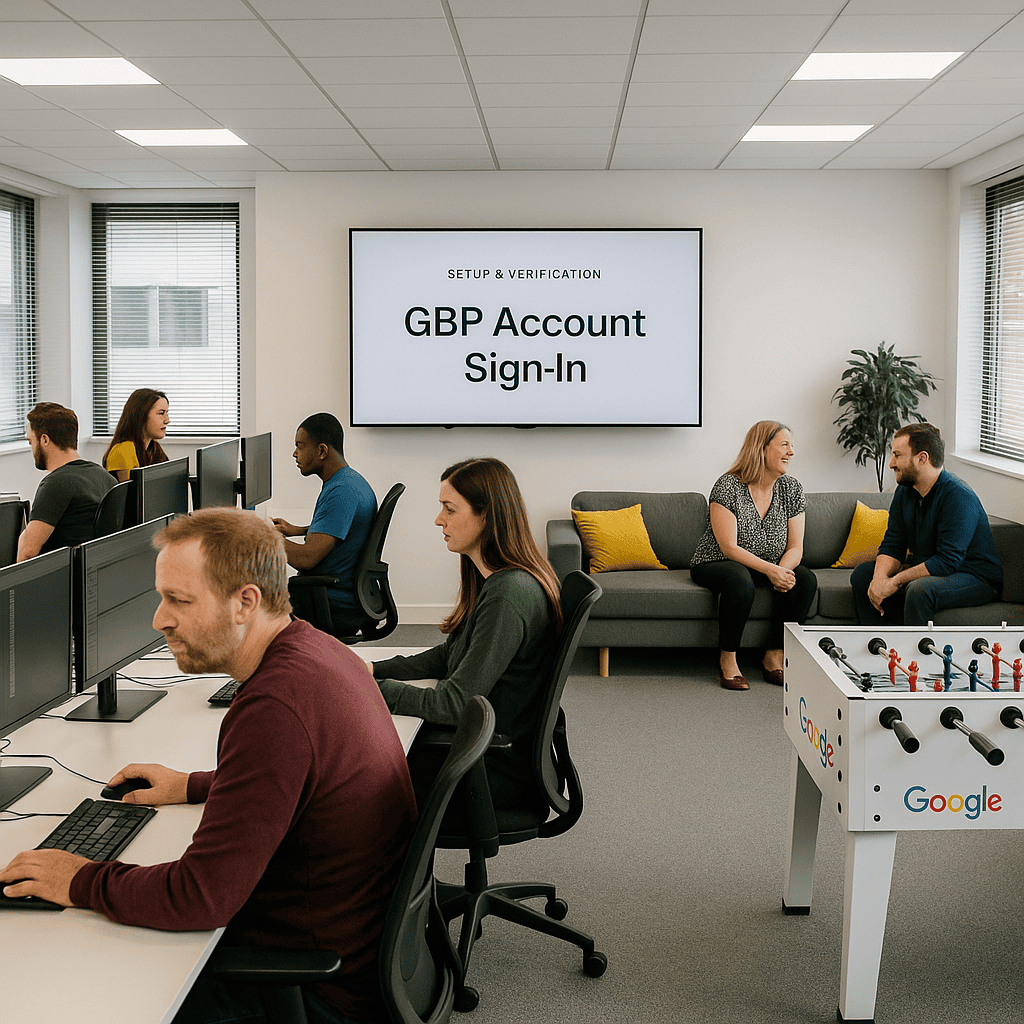
One common error when signing in to your Google Business Profile is using incorrect or outdated login details. This can lead to unnecessary delays and frustration, especially if you need urgent access to manage your online presence. Always double-check your email address and password before attempting to sign in.
Another critical mistake is neglecting to verify your account through the recommended security steps. Skipping verification not only compromises your account’s security but can also restrict access to important features. Ensuring you follow all verification prompts safeguards your profile and streamlines future sign-ins.
Top 5 Questions People Ask About GBP Account Sign Ins
How do I sign in to my Google My Business account?
To sign in to your Google My Business account, visit https://www.google.com/business/, click Sign In, and enter your associated Google email and password. Access your dashboard to manage your business profile, update information, respond to reviews, and enhance your online presence effectively.
What should I do if I cannot access my Google Business account?
If you cannot access your Google Business account, first verify your login credentials and ensure you're using the correct email. If issues persist, use Google's account recovery tool or contact Google Support for assistance. Securing access promptly is crucial for maintaining your online presence.
Can I manage multiple locations under one Google My Business account?
Yes, Google My Business allows you to manage multiple locations under a single account. This streamlined approach enables businesses to efficiently update information, respond to reviews, and monitor insights for all locations from one centralized dashboard, enhancing local marketing efforts and brand consistency.
Why is my Google Business Profile information not showing?
Your Google Business Profile information may not be showing due to incomplete verification, policy violations, or inaccurate business details. Ensure your profile is fully verified, adheres to Google's guidelines, and that all information is accurate and up to date to improve visibility and performance.
How often should I update my Google Business Profile?
Updating your Google Business Profile regularly, at least once a month, ensures accurate information, enhances local SEO, and engages potential customers. Refreshing photos, posts, offers, and responding to reviews keeps your profile relevant and can significantly improve online visibility and credibility.