
Business Profile Made Easy
Creating a Google Business Profile is a crucial step for any organisation aiming to boost local visibility and connect with potential customers effectively. This simple yet powerful tool ensures your business information is accurate and easily accessible across Google Search and Maps, helping you stand out in a competitive market.
Our guide will walk you through the process of setting up your profile with clarity and confidence. Should you require expert support, our team is ready to assist you in maximising the benefits of your online presence and driving meaningful engagement.
Create GBP Profile: Essential Insights
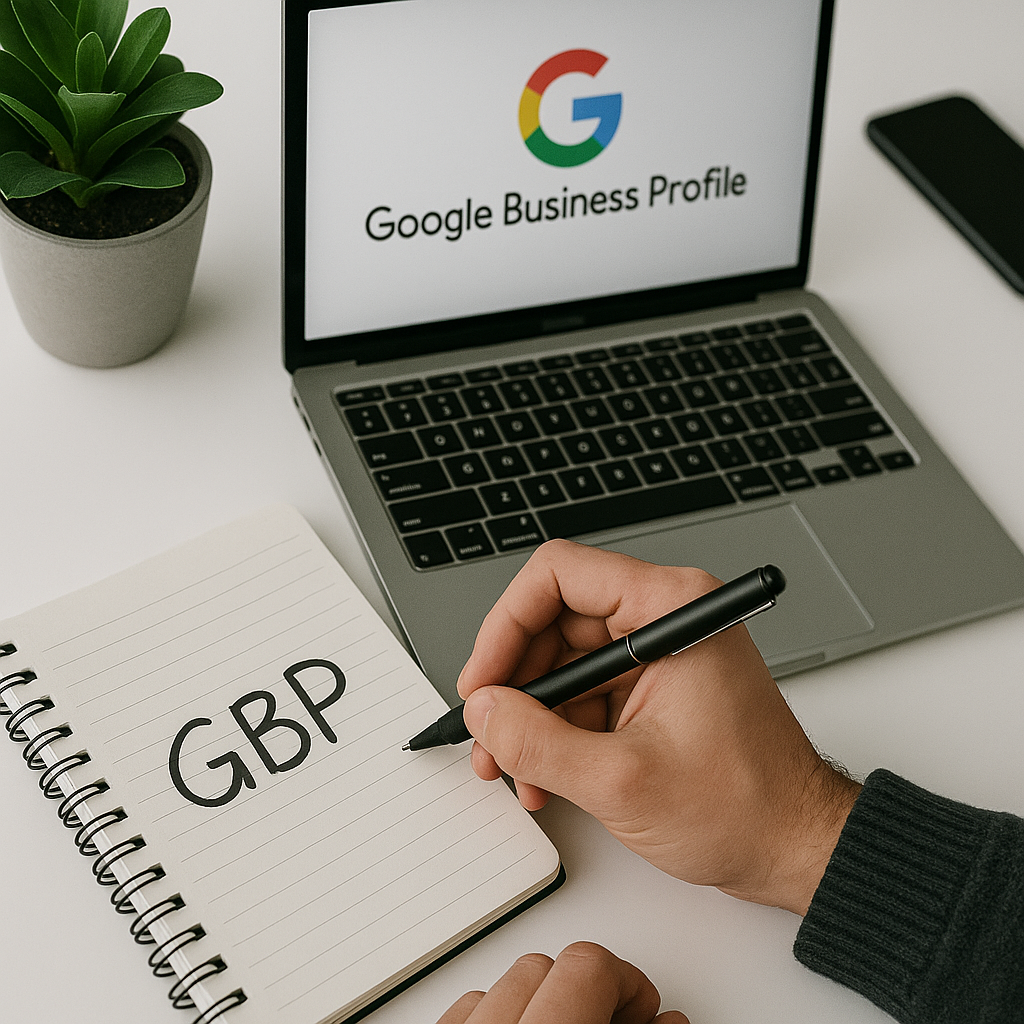
Accurate Business Information
Ensure all business details such as name, address, and phone number are precise and consistent across platforms to build trust.

Verification Process
Completing Google's verification confirms your business authenticity and enables you to fully manage your profile's features.

Optimised Business Categories
Selecting the most relevant business categories helps Google display your profile to the right audience and improves search visibility.

High-Quality Images
Uploading clear, professional images enhances your profile's appeal and encourages potential customers to engage with your business.
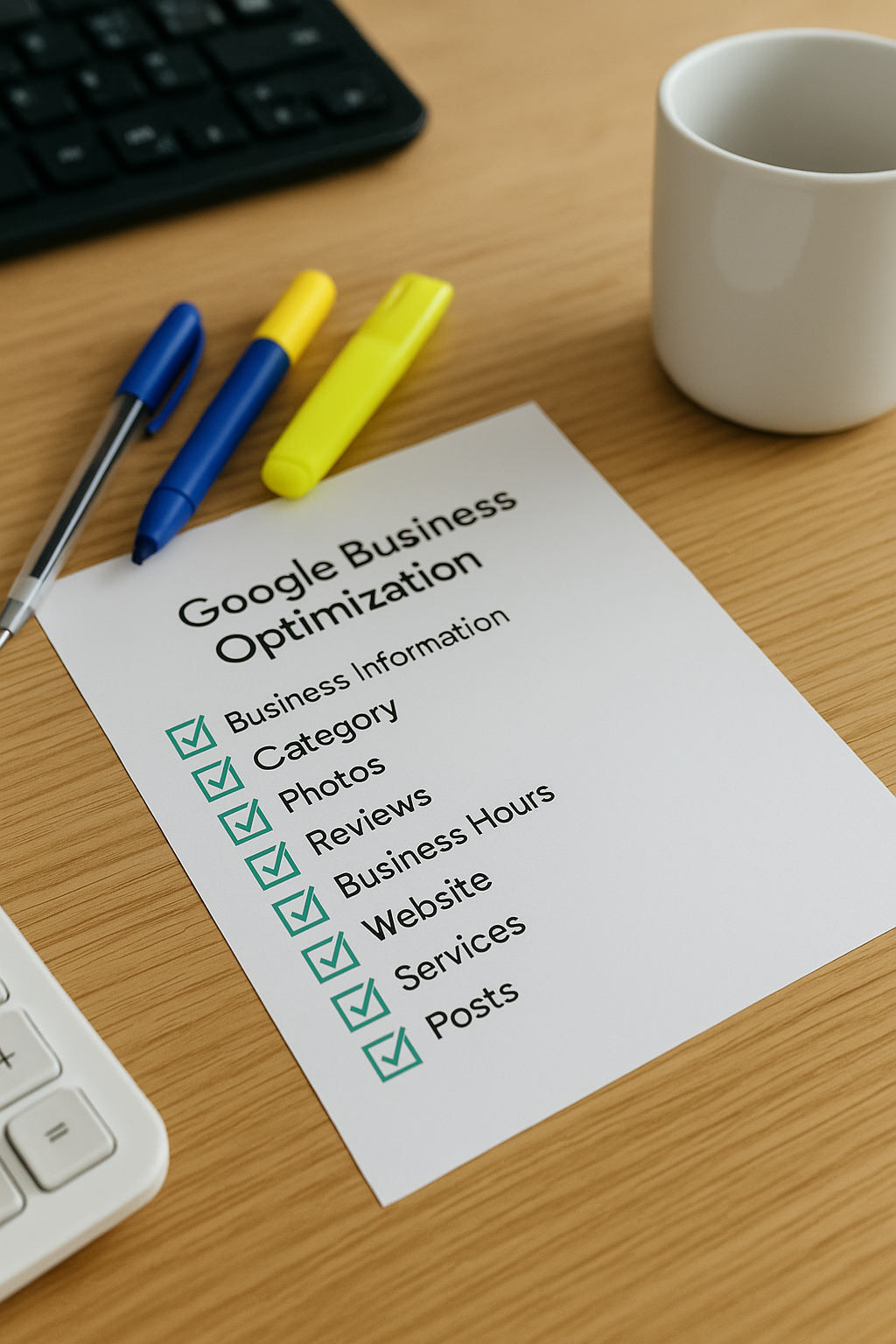
Regular Updates
Frequently updating your profile with current information and posts keeps customers informed and signals active engagement to Google.

Customer Reviews Management
Encouraging and responding to reviews builds reputation, increases credibility, and positively influences customer decision-making.
Getting Started with Your Google Business Profile
The first step in creating your Google Business Profile is to visit the Google Business Profile Manager and sign in using your Google account. If you do not already have an account, you will need to create one. Next, enter your business name and confirm its details to ensure accuracy and consistency across all platforms.
Following this, provide your business address and specify the areas you serve, if applicable. This helps customers find you easily when searching online. You will also be prompted to choose the correct business category, which is vital for improving local search visibility.
Finally, verify your business through one of Google’s available methods, such as a postcard, phone call, or email. Verification confirms your legitimacy and allows you to manage your listing fully. Once verified, you can add photos, update business hours, and respond to customer reviews to enhance your profile further.
GBP Insight
Creating a Google Business Profile can boost local searches by up to 70%, connecting you directly with nearby customers.

The Biggest Mistake to Avoid When Creating Your Google Business Profile
One of the most common errors when setting up a Google Business Profile is providing incomplete or inaccurate information. Failing to include essential details such as your correct business address, phone number, or opening hours can mislead potential customers and diminish your online credibility.
Additionally, neglecting to regularly update your profile or respond to customer reviews can harm your local reputation and search ranking. Taking the time to keep your profile accurate and engaging ensures that your business stands out and builds trust with your audience.
Top 5 Questions People Ask About Creating GBP Profiles
How do I create a Google Business Profile?
To create a Google Business Profile, visit the Google Business Profile website, sign in with your Google account, and enter your business details including name, address, and category. Verify your location via phone, email, or postcard to enhance local search visibility and engage potential customers effectively.
What are the benefits of having a Google Business Profile?
A Google Business Profile enhances local visibility, builds trust through customer reviews, and provides essential information like hours and contact details. It drives organic traffic, improves search rankings, and facilitates direct customer engagement, making it a vital tool for effective local digital marketing strategies.
How often should I update my Google Business Profile?
Updating your Google Business Profile regularly is essential for maintaining engagement and accuracy. Aim to refresh key information, post updates, and add new photos at least once a month. Consistent updates improve local SEO and enhance customer trust in your business.
Can I manage multiple locations with one Google Business Profile?
Yes, you can manage multiple locations under a single Google Business Profile account by creating separate listings for each location. This centralized management streamlines updates, reviews, and insights, ensuring consistent brand presence and efficient local SEO across all your business locations.
How long does it take for my Google Business Profile to go live?
Typically, a Google Business Profile goes live within 3 to 7 business days after verification. However, processing times can vary depending on the verification method and Google's review process. Ensuring accurate information and timely verification helps accelerate the listing's visibility.