Expert GBP Setup
Setting up and verifying your Google Business Profile is a crucial step towards enhancing your online presence and connecting with local customers effectively. This process ensures your business appears accurately in search results and Google Maps, making it easier for potential clients to find and trust your services.
In this guide, we will walk you through each stage of the setup and verification process, offering clear and concise instructions. Whether you are new to Google Business Profiles or looking to optimise your existing listing, our expert advice will help you establish a strong foundation for your online visibility.
Top 5 Things You Should Know About GBP Setup & Verification
Accurate Business Information
Providing precise and consistent business details ensures customers find and trust your profile across Google platforms.
Verification Methods
Google offers multiple verification options, including postcard, phone, email, or instant verification, depending on your business type.
Category Selection
Choosing the most relevant business category helps Google display your profile to the right audience effectively and improves search ranking.
Profile Optimisation
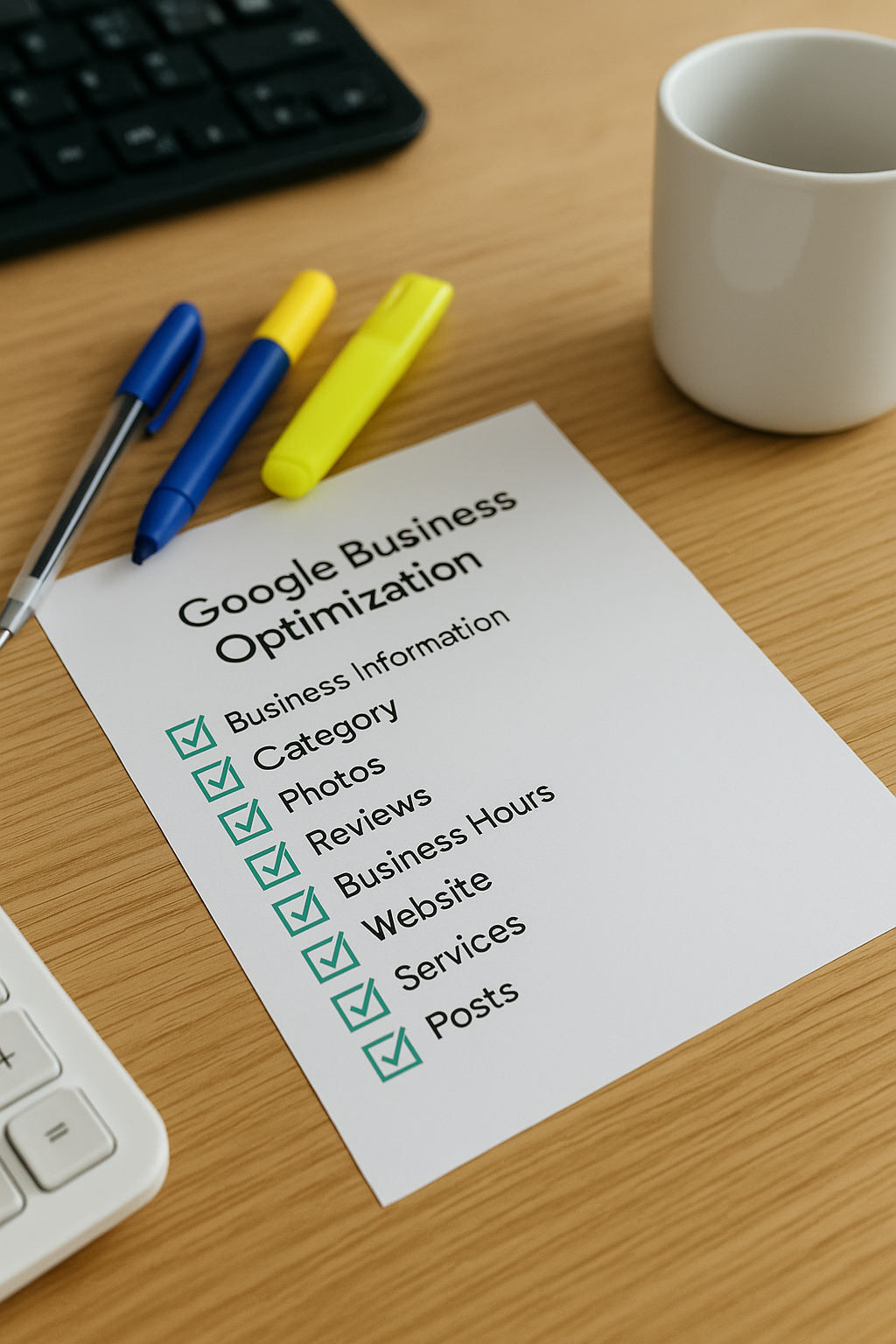
Completing your profile with images, descriptions, and services enhances visibility and encourages potential customers to engage more readily.
Regular Updates
Keeping your business information up to date maintains accuracy, helping to avoid customer confusion and protect your online reputation.
Getting Started with Your Google Business Profile Setup
The first step in setting up your Google Business Profile (GBP) is to visit the Google Business Profile Manager. Here, you can create a new profile by entering your business name and address, ensuring all details are accurate and consistent with your other online listings. This consistency is crucial for optimising local search results and enhancing your visibility to potential customers.
Once your profile is created, you will need to verify your business. Verification confirms to Google that your business is legitimate and allows you to manage how your information appears across Google Search and Maps. Common verification methods include receiving a postcard by mail, phone verification, or email, depending on your business type and location. Taking these initial practical steps sets a strong foundation for maximising your profile’s effectiveness and attracting more local clientele.
Mistakes to Avoid with Setup & Verification
Avoiding common pitfalls during your Google Business Profile setup and verification ensures a smooth process and maximises your local online presence effectively.

Incorrect business information
Providing inaccurate or inconsistent details can confuse customers and damage your credibility on Google platforms.

Ignoring verification steps
Failing to complete all verification procedures prevents your business from fully appearing on Google search and Maps.
Using an unmonitored email
Registering with an email address you don't regularly check can cause missed important updates and verification codes.
Duplicate listings
Creating multiple profiles for the same location confuses customers and negatively impacts your search ranking.
Integrating Google Business Profile Setup into Your Digital Marketing Strategy
Establishing and verifying your Google Business Profile is a foundational step within a broader digital marketing approach. It enhances your online presence by ensuring accurate business information appears prominently in local search results and Google Maps, directly connecting you with potential customers.
Beyond visibility, a fully optimised profile supports reputation management through reviews and updates, complementing other marketing efforts such as SEO and social media. When integrated thoughtfully, Google Business Profile setup contributes significantly to building trust and driving targeted, local engagement for sustained business growth.