
Customer Reviews Matter
Customer reviews play a crucial role in shaping your online reputation and attracting new clients. By encouraging genuine feedback, you not only build trust but also gain valuable insights that can help improve your services.
This page outlines practical methods to ask customers for reviews in a respectful and effective manner. Implementing these strategies will enhance your Google Business Profile, ultimately strengthening your digital presence and fostering long-term customer relationships.
Ask Customers for Reviews: Essential Insights

Timing Matters
Ask for reviews soon after the customer's positive experience to capture their genuine feedback promptly and accurately.

Personalised Requests
Tailoring review requests by using the customer's name and referencing their purchase fosters a more sincere connection and response rate.

Clear Instructions
Provide simple, step-by-step guidance on how to leave a review, making the process straightforward and accessible for all customers.
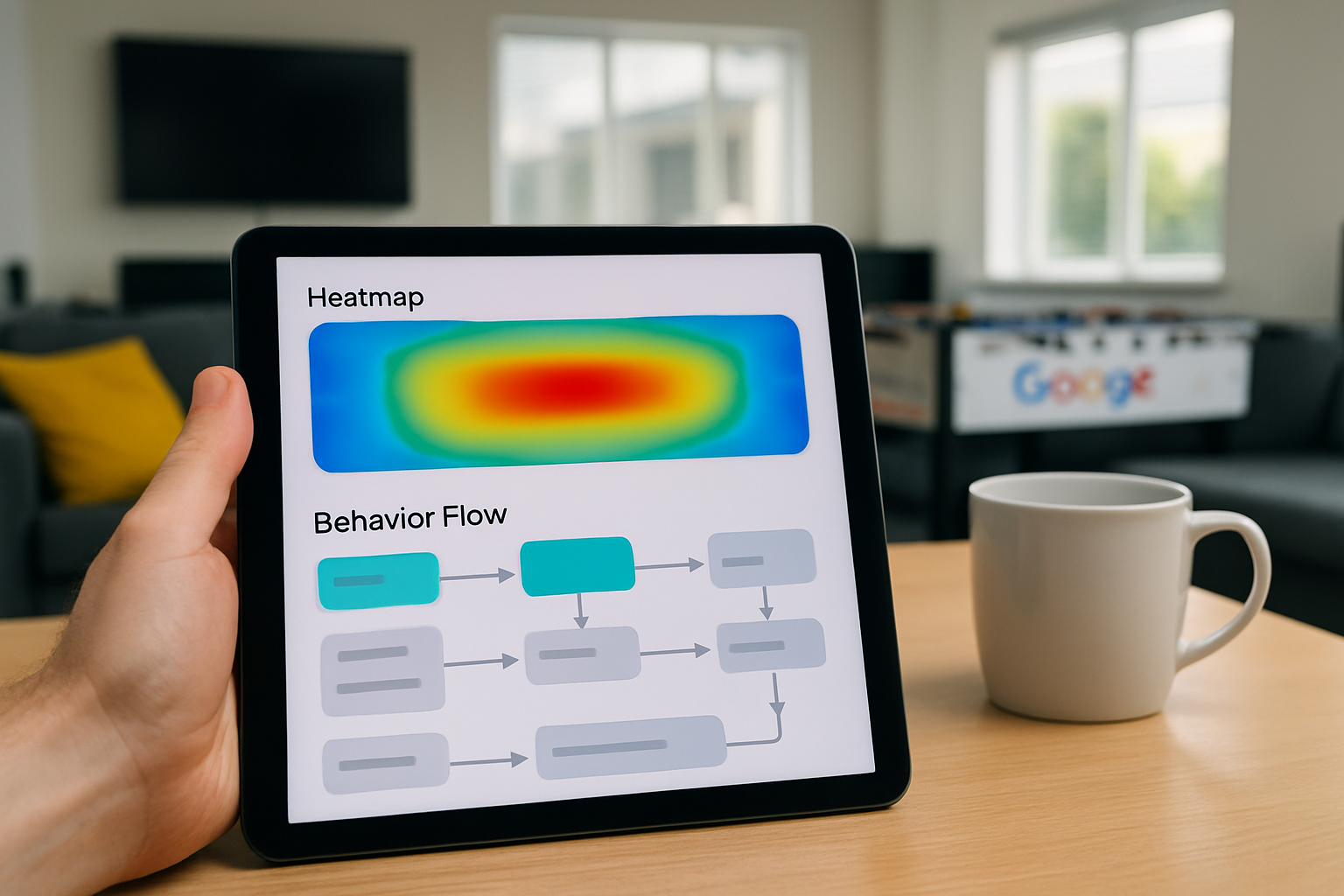
Multiple Channels
Utilise various communication methods such as email, SMS, and social media to reach customers through their preferred platform effectively.
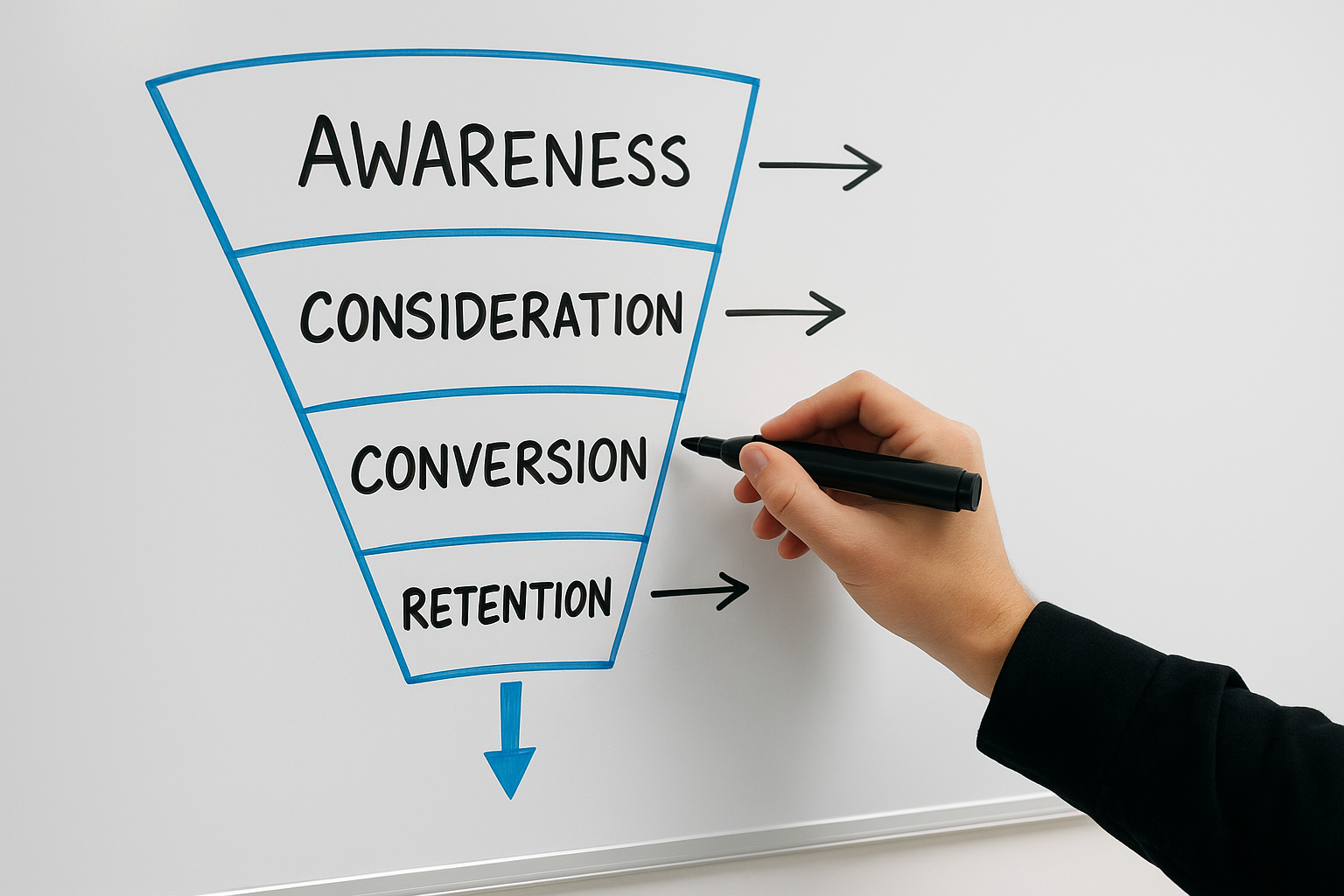
Incentivise Ethically
Encourage reviews by offering genuine incentives without compromising the honesty of the feedback or breaching review platform policies.

Respond to Reviews
Engage with all reviews openly and professionally, showing appreciation for positive comments and addressing any concerns raised.
Initiating Your Customer Review Journey
The first step in encouraging customers to leave reviews is to create a clear and straightforward process that fits naturally into your existing customer interactions. Begin by identifying key moments in the customer journey, such as after a purchase, service completion, or support call, when customers are most likely to share feedback. At these points, politely invite them to share their experience, emphasising how their input improves your service and helps others make informed decisions.
Next, choose the appropriate channels to request reviews, whether via personalised emails, SMS, or direct messages on your website or social media platforms. Providing simple, direct links to your Google Business Profile or other review sites makes the process convenient and increases the likelihood of responses.
Lastly, be transparent about the review process and maintain a genuine tone. Customers appreciate authenticity, and this fosters trust, encouraging honest and positive feedback that will enhance your online reputation over time.
Review Power
90% of consumers read online reviews before visiting a business, making feedback crucial for reputation building.

The Biggest Mistake to Avoid When Asking for Reviews
One common error businesses make is requesting reviews without offering clear guidance or timing the request poorly. Asking too soon or in an impersonal manner can discourage customers from responding or lead to unhelpful feedback. Instead, ensuring the request feels natural and is appropriately timed increases the likelihood of receiving genuine, positive reviews.
Additionally, neglecting to personalise your approach may cause customers to feel undervalued. Taking the time to tailor your message shows appreciation and encourages honest responses that can enhance your online reputation. Avoiding these pitfalls will help you build a trustworthy and engaging review profile.
Top 5 Questions People Ask About Asking Customers for Reviews
Why are Google reviews important for my business?
Google reviews enhance your business's online reputation, improve local search rankings, and build customer trust. Positive feedback influences purchasing decisions, increases visibility, and drives traffic, making them a vital component of effective digital marketing strategies.
How can I ask customers for reviews effectively?
To effectively ask customers for reviews, personalize your request, highlight the value of their feedback, and make it easy by providing direct links. Timing is key, reach out shortly after purchase or service completion to capture their positive experience while it's fresh.
Is there an easy way to generate Google review links?
Yes, generating Google review links is straightforward. Simply search your business on Google, click Write a review, then copy the URL from the address bar. Alternatively, use Google's Place ID Finder to obtain your Place ID and create a direct review link for seamless customer feedback collection.
What should I do if I receive a negative review?
If you receive a negative review, respond promptly and professionally. Acknowledge the customer's concerns, apologize sincerely if appropriate, and offer a solution or invite further discussion offline. This demonstrates commitment to customer satisfaction and can help rebuild trust while showcasing your brand's responsiveness.
How frequently should I ask for reviews?
Request reviews consistently but thoughtfully, ideally after a positive customer interaction or purchase. Avoid overloading customers by limiting requests to once per transaction or interaction. Regular, well-timed review requests enhance credibility without causing fatigue, fostering authentic feedback and stronger customer relationships.