
Google Maps Expertise
Maximising your Google Business Profile (GBP) is essential for success on Google Maps. Our expert insights will guide you through proven strategies to boost your local search rankings and attract more potential customers.
With a focus on practical optimisation techniques, we help you enhance your GBP’s visibility and ensure your business stands out in competitive search results. Explore how targeted improvements can elevate your online presence and drive meaningful engagement today.
GBP Search Results: Essential Insights
Optimised Business Information
Accurate and complete business details ensure your profile ranks higher and builds trust with potential customers searching locally.
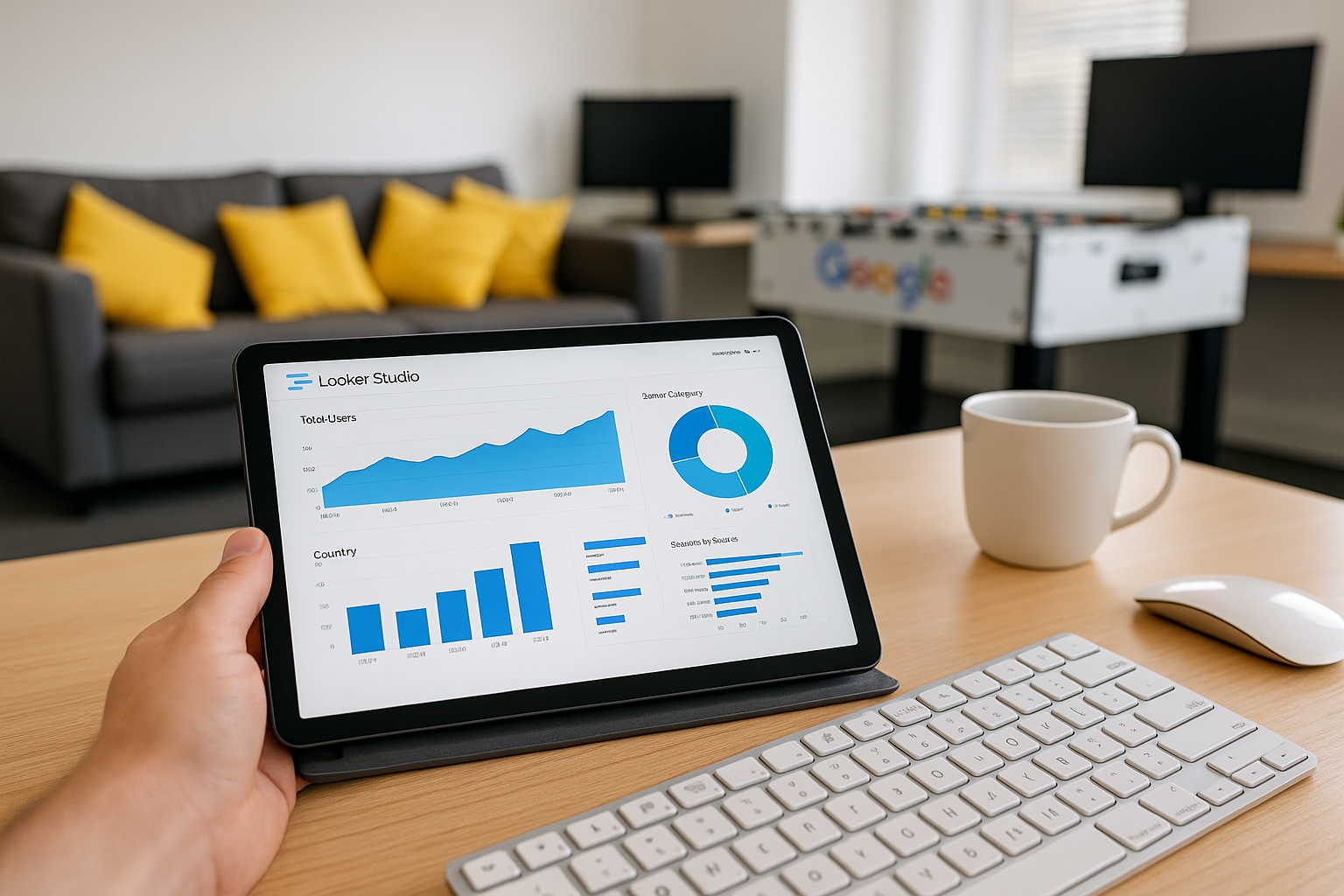
Consistent Customer Reviews
Regular positive reviews improve credibility and influence Google's algorithm favourably, boosting your visibility in search results.

Relevant Categories Selection
Choosing appropriate business categories helps Google understand your services, making your profile more discoverable for relevant searches.
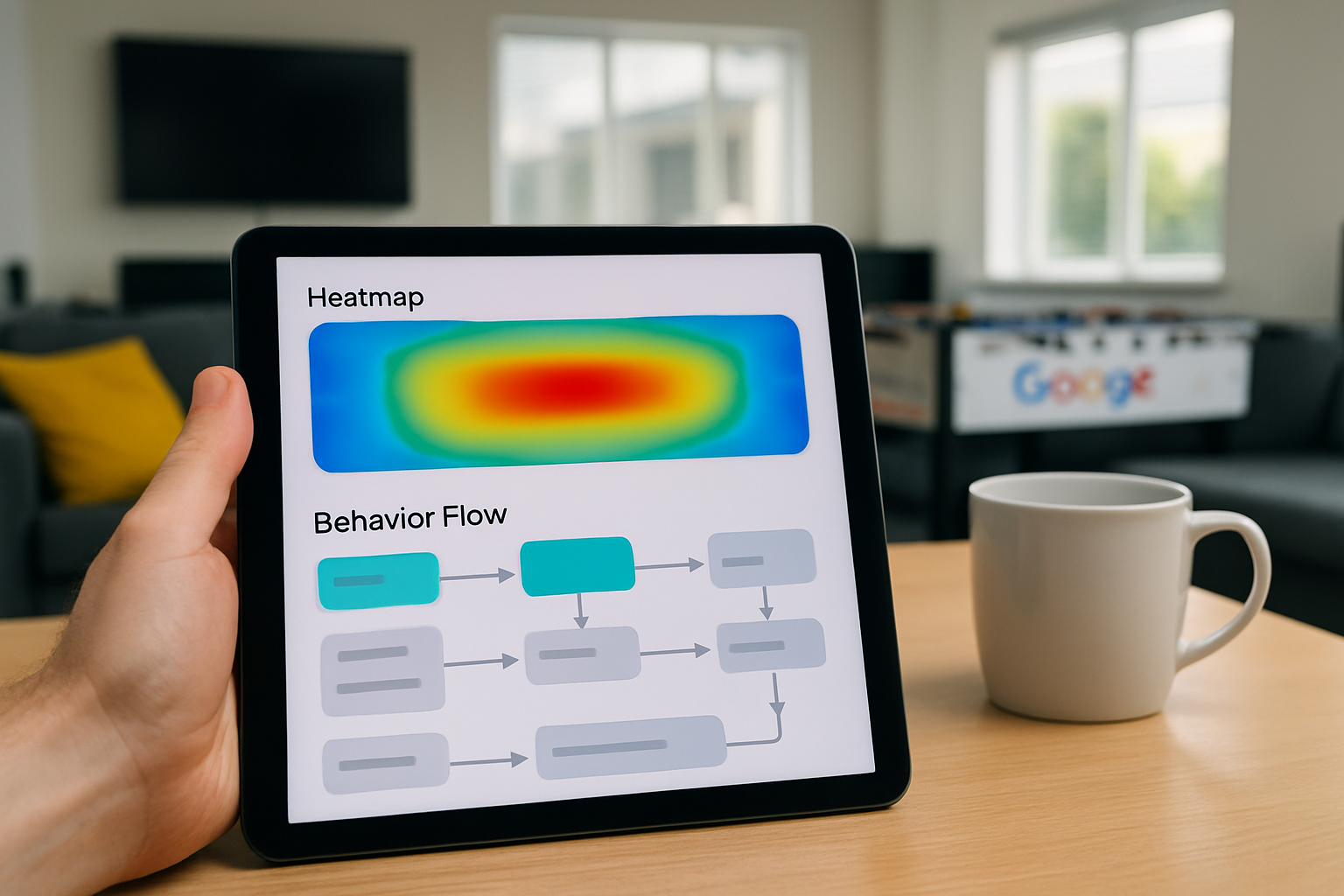
High-Quality Photos
Adding clear, professional images attracts users' attention and enhances engagement, increasing click-through rates from search results.

Local Keywords Integration
Incorporating local and service-related keywords in your profile boosts relevance and helps your business appear in more targeted searches.

Regular Profile Updates
Frequently updating your Google Business Profile signals activity to Google, encouraging improved rankings and greater search prominence.
Beginning Your Journey to Google Business Profile Success
Getting started with optimising your Google Business Profile (GBP) is a straightforward yet vital process to improve your visibility on Google Maps. First, ensure that your business is fully verified through Google. This step establishes credibility and grants you access to manage your profile details effectively.
Once verified, focus on completing every section of your profile with accurate and up-to-date information, including your address, contact details, business hours, and services offered. High-quality images and regular posts can also enhance your profile’s appeal and engagement.
Lastly, monitor and respond to customer reviews promptly. This not only boosts your online reputation but signals to Google that your business values customer interaction. Taking these initial steps lays a solid foundation for elevating your presence on Google Maps and attracting more local customers.
Maps Impact
Google Business Profiles with complete info are 70% more likely to attract customer visits and engagement on Maps.

The Biggest Mistake to Avoid in GBP Optimisation
One of the most common errors when managing your Google Business Profile is neglecting consistent and accurate information. Inaccuracies in business name, address, or contact details can mislead potential customers and diminish your visibility on Google Maps. Ensuring every detail is correct is vital to building trust and improving search performance.
Additionally, failing to engage with customer reviews can severely impact your profile’s effectiveness. Responding promptly and thoughtfully to feedback demonstrates professionalism and encourages further interaction, boosting your profile’s credibility. Avoiding these pitfalls will help you maximise your GBP’s true potential.
Top 5 Questions People Ask About GBP Search Results
What is Google Business Profile?
Google Business Profile is a free tool that allows businesses to manage their online presence across Google Search and Maps. It helps improve local SEO, engage with customers through reviews and posts, and provide essential information like hours, location, and contact details.
How do I show my business on Google?
To show your business on Google, create and verify a Google Business Profile by visiting Google My Business. Ensure your information is complete and accurate, including address, hours, and photos, to enhance visibility in local search results and attract more customers online.
How can I optimise my business listing?
Optimize your business listing by ensuring complete, accurate information, incorporating relevant keywords, and using high-quality images. Encourage genuine customer reviews, regularly update your profile, and leverage categories and attributes to enhance visibility and improve local search rankings effectively.
Why is my business not showing on Google Maps?
Your business may not appear on Google Maps due to incomplete or inconsistent Google My Business profile information, lack of verification, or recent updates pending approval. Ensure accurate details, verify your listing promptly, and maintain consistent online presence to improve visibility on Google Maps.
How frequently should I update my Google Business Profile?
To maximize visibility and engagement, update your Google Business Profile regularly, ideally monthly or whenever there are changes in hours, services, promotions, or important announcements. Consistent updates enhance local SEO, build customer trust, and keep your audience informed and engaged.