
Google Business Profile Access
Accessing your Google Business Profile (GBP) is a crucial step in managing your online presence and enhancing local visibility. Whether you’re a new user or looking to update existing information, signing in to GBP allows you to oversee your business details, respond to reviews, and connect with customers effectively.
This guide provides clear, step-by-step instructions to help you sign in securely and make the most of your Google Business Profile. By following these simple procedures, you’ll ensure your business information is accurate and appealing to your local audience.
Sign In to GBP: Essential Insights
Account Credentials
Ensure you have your correct Google account email and password to access your Google Business Profile securely and efficiently.

Verification Status
Only verified profiles allow full access, so verify your business to manage information and communicate with customers effectively.
Two-Factor Authentication
Enable two-factor authentication for added security, protecting your profile from unauthorised access and potential data breaches.
User Permissions
Understand different user roles and permissions to control who can make changes or respond to reviews on your profile.
Profile Management Tools
Familiarise yourself with Google's management dashboard to efficiently update business details and monitor customer interactions.

Password Recovery
Prepare for potential login issues by setting up recovery options such as alternate emails and phone numbers for swift account retrieval.
Getting Started with Your Google Business Profile
To begin managing your Google Business Profile (GBP), the first step is to ensure you have a Google account. If you do not already have one, setting up a Google account is quick and straightforward. Once logged in, visit the Google Business Profile sign-in page and enter your credentials.
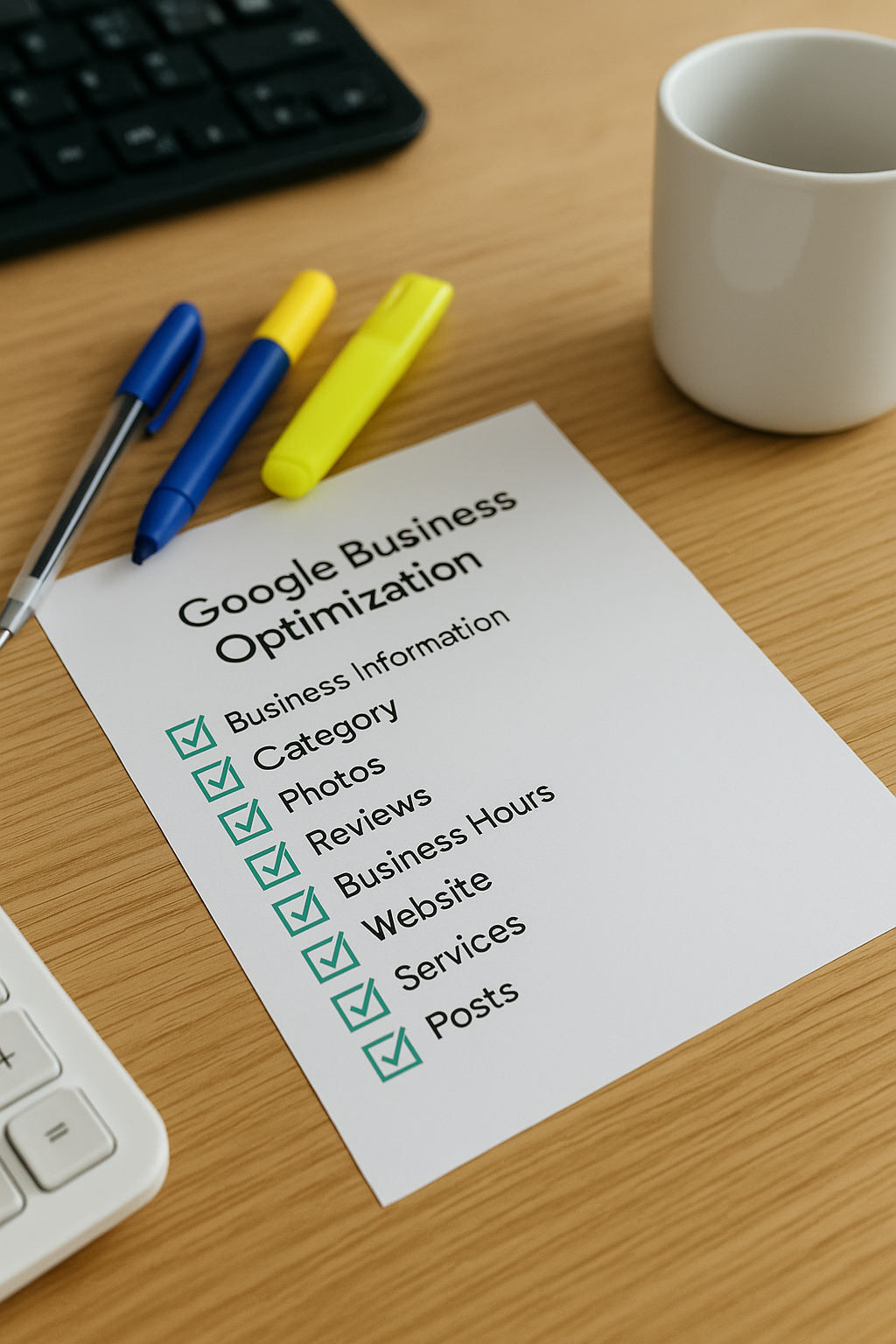
Next, verify that your business is listed correctly on Google. If it’s not yet registered, you can add your business details through the GBP dashboard. Accurate and up-to-date information enables your business to appear prominently in local searches. Remember to provide all relevant data such as business name, address, contact information, and opening hours.
Finally, take some time to explore the GBP interface and familiarise yourself with its features. Regularly updating your profile with photos, posts, and responding to reviews will help enhance your business’s visibility and engagement with potential customers.
GBP Insight
Signing into Google Business Profile helps businesses manage local info, improving visibility and customer engagement online.
The Biggest Mistake to Avoid When Signing In to Google Business Profile
One of the most critical errors users make is attempting to sign in with an incorrect or outdated email address. Using the wrong account can prevent access to your Google Business Profile, leading to confusion and delays in managing your business information. Always verify that you’re using the email linked to your GBP before beginning the sign-in process.
Another common mistake is neglecting to keep your credentials secure and updated. Sharing login details or using weak passwords exposes your profile to unauthorised access, threatening your business’s online reputation. Prioritise strong, unique passwords and consider enabling two-factor authentication for enhanced security.
Top 5 Questions People Ask About Signing into GBP
What do I need to sign in to my Google Business Profile?
To sign in to your Google Business Profile, you need a Google account with the associated email and password. Ensure your account has verified ownership or management rights for the business listed, enabling you to access and manage your profile effectively.
How do I recover my Google Business Profile if I forget my password?
To recover your Google Business Profile password, visit the Google Account recovery page, enter your associated email or phone number, and follow the verification steps. Once verified, reset your password to regain access and manage your business profile seamlessly.
Can multiple users sign in to the same Google Business Profile?
Yes, multiple users can sign in to the same Google Business Profile by being added as managers or owners. This allows teams to collaboratively manage business information, respond to reviews, and update details, enhancing efficiency and maintaining a consistent online presence.
How often should I update my Google Business Profile?
Updating your Google Business Profile regularly is essential for maintaining accuracy and engaging customers. Aim to refresh key information, respond to reviews, and post updates at least monthly. Frequent updates enhance search visibility, build trust, and reflect your business's current offerings effectively.
Why is my Google Business Profile not showing up on Google Maps?
Your Google Business Profile may not appear on Google Maps due to incomplete information, lack of verification, recent updates pending review, or violations of Google's guidelines. Ensuring accurate details, completing verification, and adhering to policies enhances visibility and improves your profile's search ranking.