
Master Your Google Business Profile
Managing your Google Business Profile effectively is key to enhancing your online presence and attracting more local customers. By optimising your settings accurately, you ensure that your business information is clear, up-to-date, and prominently displayed across Google’s platforms.
This guide will walk you through the essential GBP settings to help you maximise your visibility and engagement. Whether you’re looking to update contact details, manage reviews, or refine business categories, our expert advice will support you in making informed decisions for lasting success.
GBP Settings: Essential Insights
Accurate Business Information
Ensure all business details, including address, phone number, and hours, are precise and consistently updated for customer trust.
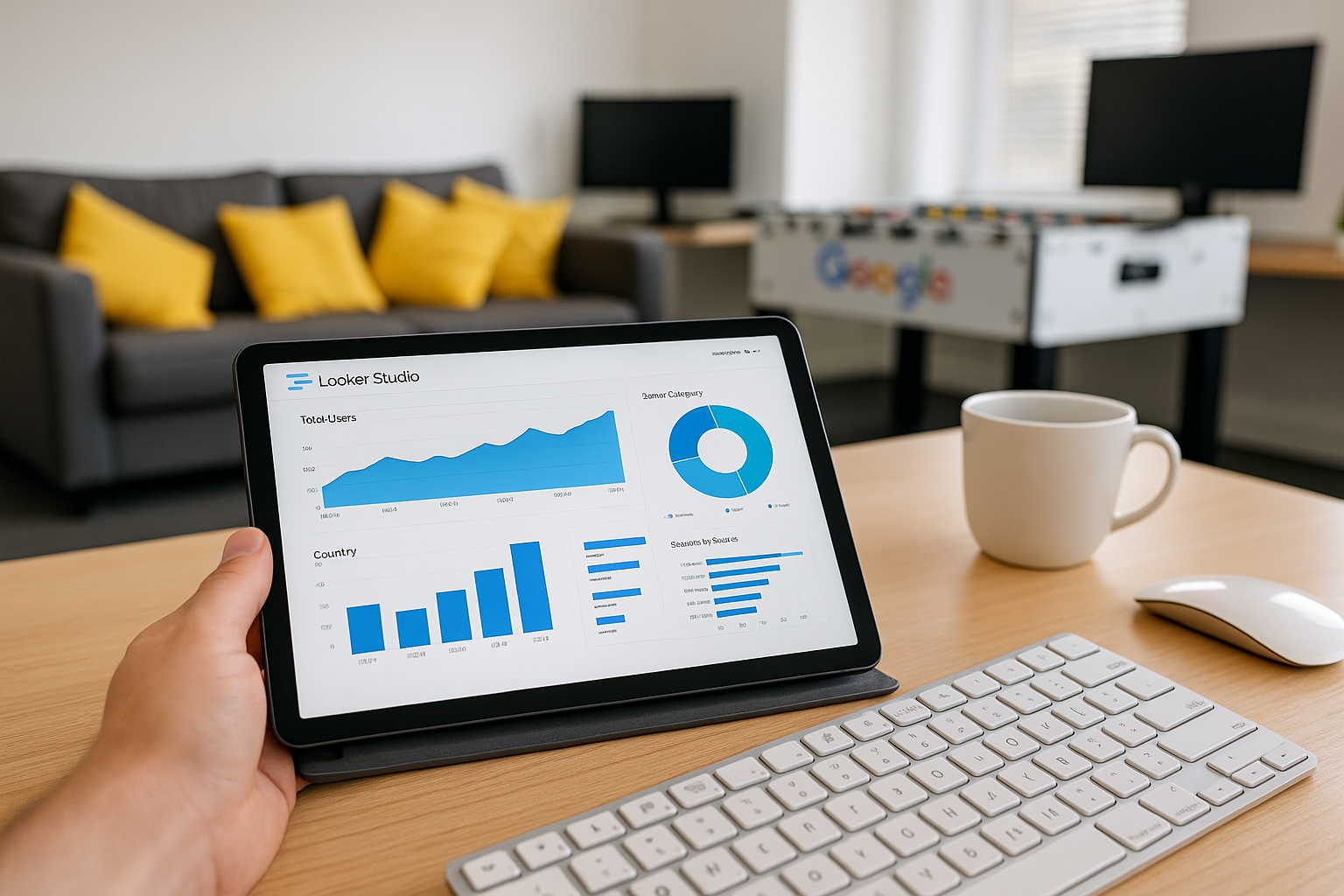
Optimised Categories
Select the most relevant business categories to improve search visibility and connect with the right customer audience effectively.
High-Quality Images
Upload clear, professional photos regularly to showcase your business and engage potential customers visually on your profile.

Customer Reviews Management
Actively respond to reviews, both positive and negative, to build credibility and demonstrate excellent customer service.

Regular Posts and Updates
Use posts to share news, offers, or events consistently, keeping your audience informed and encouraging interaction.

Utilising Q&A Section
Monitor and answer questions promptly within the Q&A section to provide clarity and improve customer engagement on your profile.
Getting Started with Your Google Business Profile Settings
To begin optimising your Google Business Profile, start by accessing your account through the Google Business dashboard. Ensure that all your basic business information, such as name, address, and phone number is accurate and up to date. This foundational accuracy is essential for maintaining trust and visibility in local search results.
Next, take time to explore the various settings available, including categories, business hours, and contact details. Customising these fields thoughtfully helps potential customers find relevant information quickly. Additionally, consider regularly updating your profile with photos and posts to engage your audience effectively.
If you are new to Google Business Profile management, it may be helpful to review Google’s support resources or consult with a specialist to ensure that your settings are optimised for maximum impact. A strategic approach from the outset will yield better visibility and customer engagement over time.
Profile Power
Optimising your Google Business Profile can increase local searches by up to 70%, boosting your visibility significantly.
The Biggest Mistake to Avoid in GBP Management
Neglecting to keep your Google Business Profile information accurate and up to date is the single biggest mistake to avoid. Inconsistent or outdated details can confuse potential customers and damage your online reputation, reducing your visibility in local search results.
Regularly reviewing and promptly updating your profile ensures your business appears trustworthy and professional. It also allows you to respond swiftly to customer reviews and changes in your services, maintaining engagement and fostering stronger connections with your audience.
Top 5 Questions People Ask About GBP Settings
What are the essential Google My Business details I need to include?
Essential Google My Business details include your business name, accurate address, phone number, website URL, business hours, category, and high-quality images. Additionally, regularly updated posts, customer reviews, and a compelling business description enhance visibility and engagement effectively.
How can I manage my business profile effectively?
To manage your business profile effectively, maintain accurate and up-to-date information, engage consistently with customer reviews, post regular updates showcasing products or services, and leverage analytics to understand audience behavior. This fosters trust, enhances visibility, and drives customer engagement across digital platforms.
How do I update my business hours on my Google Business Profile?
To update your business hours on your Google Business Profile, sign in to Google My Business, select your listing, navigate to the Info section, and click the pencil icon next to Hours. Enter your updated hours, save the changes, and they will reflect on your profile shortly.
What impact do photos have on my Google Business Profile?
Photos on your Google Business Profile significantly enhance visibility and engagement by attracting potential customers and building trust. High-quality images showcase your products, services, and atmosphere, improving click-through rates and local search rankings, ultimately driving increased foot traffic and conversions.
How often should I post updates to my Google Business Profile?
For optimal engagement, update your Google Business Profile at least once a week. Regular posts keep your audience informed about promotions, events, and news, enhancing visibility and local SEO. Consistency demonstrates active management, building trust and attracting potential customers reliably.