
Mapping Your Business
Understanding the distinct functionalities of Google Business Profile (GBP) and Google Maps is essential for any business aiming to boost its local presence. While both tools are interconnected, they serve different purposes in helping customers find and engage with your business online.
This page will clarify how GBP listings and Google Maps work together, enabling you to leverage each platform effectively. By grasping these differences, you can optimise your online strategy and ensure your business stands out in a competitive local market.
GBP vs Google Maps: Essential Insights
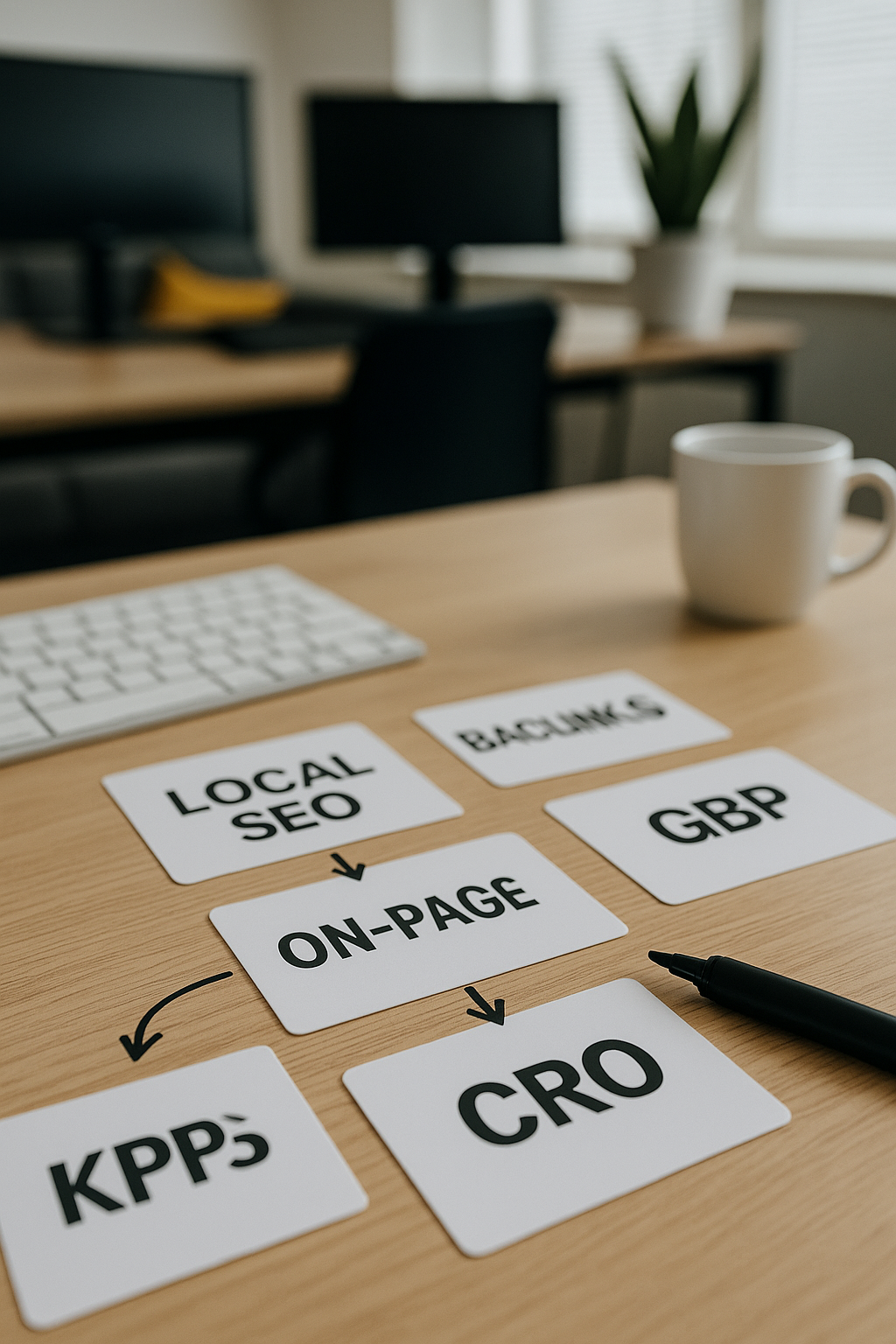
Profile Management
Google Business Profile allows businesses to actively manage their listing details, enhancing accuracy and engagement with customers online.
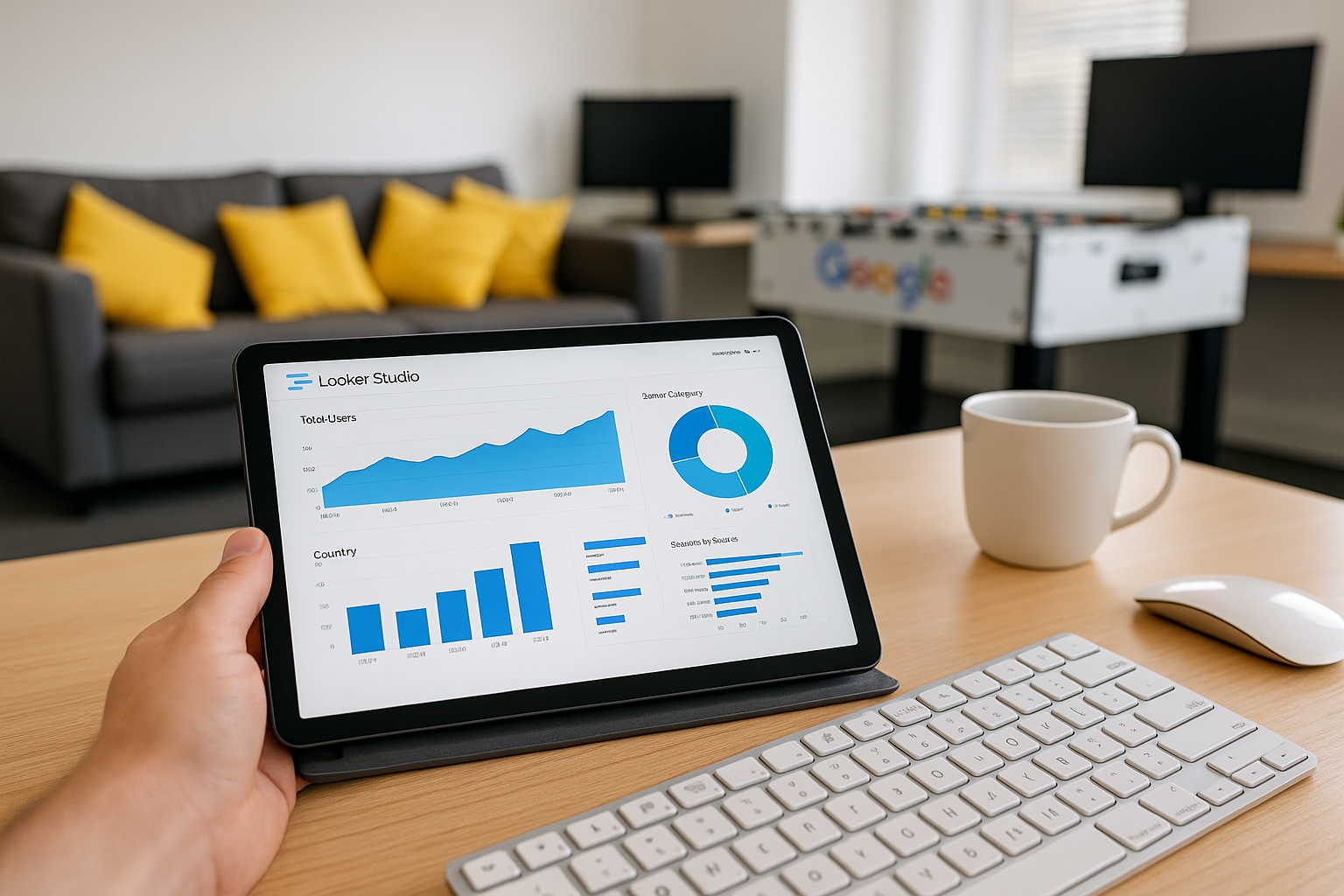
Search Visibility
Google Maps primarily provides geographical search results, while GBP boosts visibility through rich business information and reviews.

Customer Interaction
GBP offers tools like messaging and review responses, enabling direct customer communication that Google Maps alone does not support.
Information Depth
Google Business Profile listings include detailed business info such as opening hours, photos, and services, beyond the basic location pin on Maps.
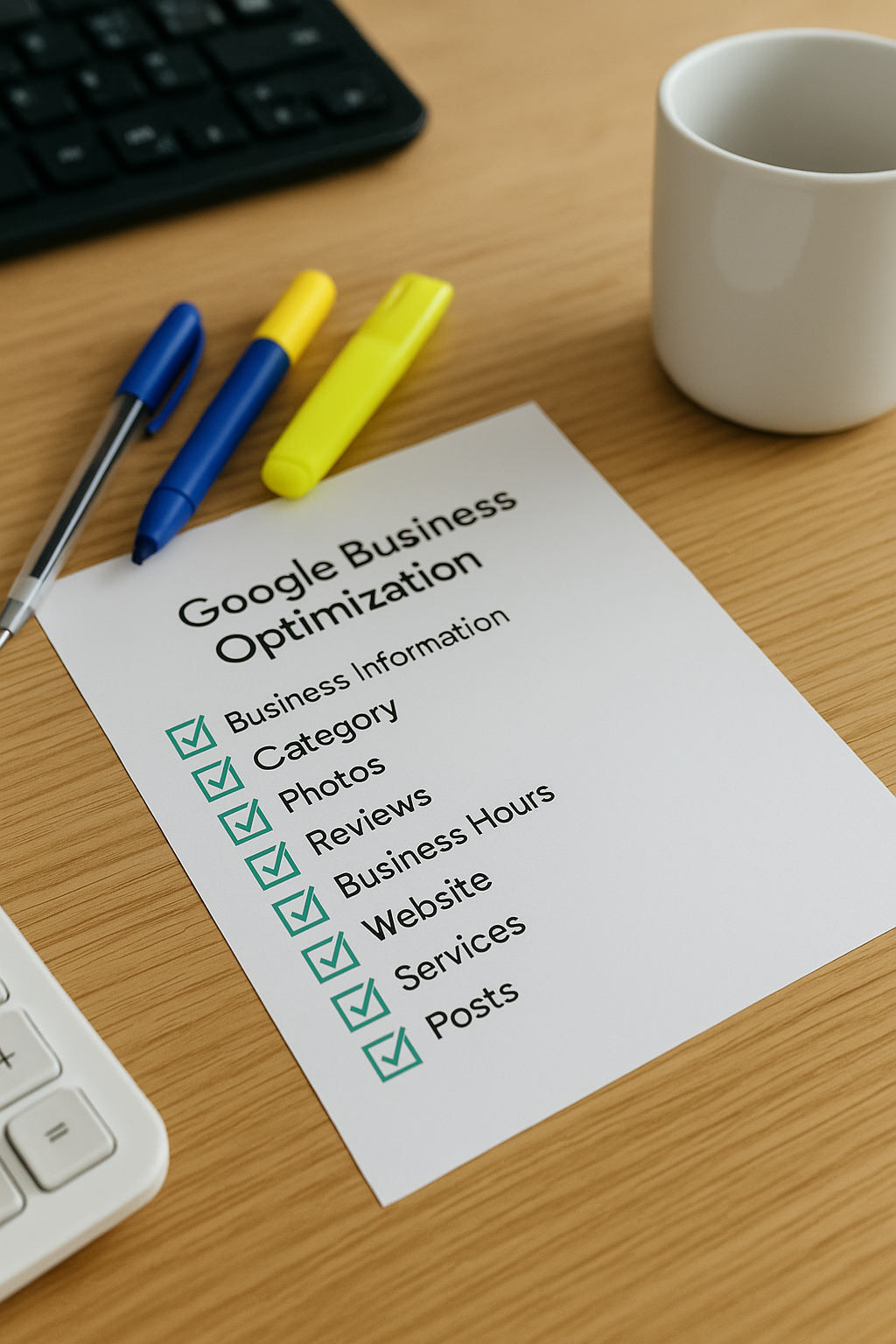
Local Ranking Impact
Active management of a GBP significantly influences local search rankings, something Google Maps cannot control without an optimised profile.

Control and Updates
With GBP, businesses can promptly update their information and promotions, while Google Maps data updates rely largely on user contributions.
Getting Started with GBP and Google Maps
To begin enhancing your local online presence, it is essential first to set up and verify your Google Business Profile (GBP). This process ensures your business appears accurately on local searches and Google Maps. Start by claiming your business on the Google Business Profile Manager, providing precise and up-to-date information such as your address, opening hours, and contact details.
Once your GBP is verified, focus on optimising your listing by adding high-quality images, responding to reviews, and regularly updating posts or offers. Simultaneously, ensure your location is correctly marked on Google Maps, helping customers find you easily. By maintaining both GBP and your map presence effectively, you lay a robust foundation for improving local visibility and attracting more potential customers.
Mapping Insight
Google Maps launched in 2005, while Google Business Profile evolved from Google Places in 2014, enhancing local discovery.
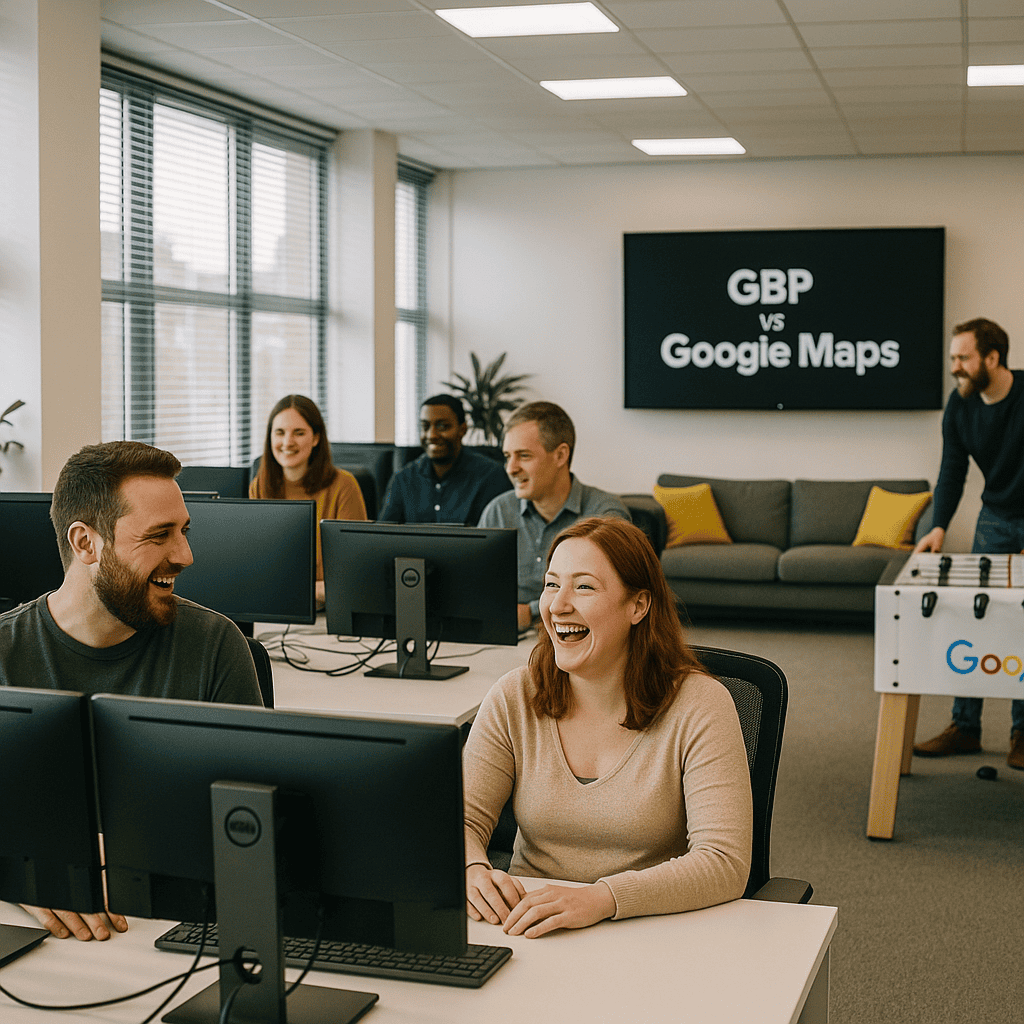
The Biggest Mistake to Avoid
Confusing your Google Business Profile with Google Maps can significantly hinder your local marketing efforts. Many businesses mistakenly believe that simply appearing on Google Maps is enough to attract customers, but without a fully optimised Business Profile, your visibility and engagement will suffer. It’s essential to understand that the Google Business Profile is your primary tool for managing your online presence, while Google Maps serves as a search and navigation platform.
Neglecting to update and optimise your Google Business Profile is the most common error, leading to outdated information and missed opportunities. Ensure your profile accurately reflects your business details, hours, and offerings to make the best impression on potential customers. This careful attention prevents confusion, builds trust, and ultimately drives more meaningful interactions through Google’s platforms.
Top 5 Questions People Ask About GBP vs Google Maps
What is the main difference between Google Business Profile and Google Maps?
Google Business Profile is a tool that enables businesses to manage their online presence and directly update their information on Google Search and Maps. In contrast, Google Maps is a navigation and location service used by consumers to find and explore businesses, addresses, and places globally.
How can I get listed on both Google Business Profile and Google Maps?
To get listed on both Google Business Profile and Google Maps, create and verify your business on Google Business Profile with accurate details, including address and contact information. Once verified, your business automatically appears on Google Maps, enhancing local search visibility and customer engagement.
Why is having a Google Business Profile essential for my business?
Having a Google Business Profile enhances your online visibility, improves local search rankings, and builds customer trust by showcasing your business information, reviews, and updates. It's a vital tool for attracting and engaging potential customers in today's competitive digital landscape.
Can I manage my Google Maps listing independently from my Google Business Profile?
No, managing your Google Maps listing independently is not possible without your Google Business Profile. Your Google Business Profile controls the information displayed on Google Maps, allowing you to update business details, respond to reviews, and optimize your local presence effectively.
What should I do if my business information changes?
If your business information changes, promptly update all online platforms, including your website, social media profiles, and directories. Ensure consistency across channels to maintain credibility and improve search engine rankings. Notify customers through newsletters or announcements to keep them informed and engaged.